Follow

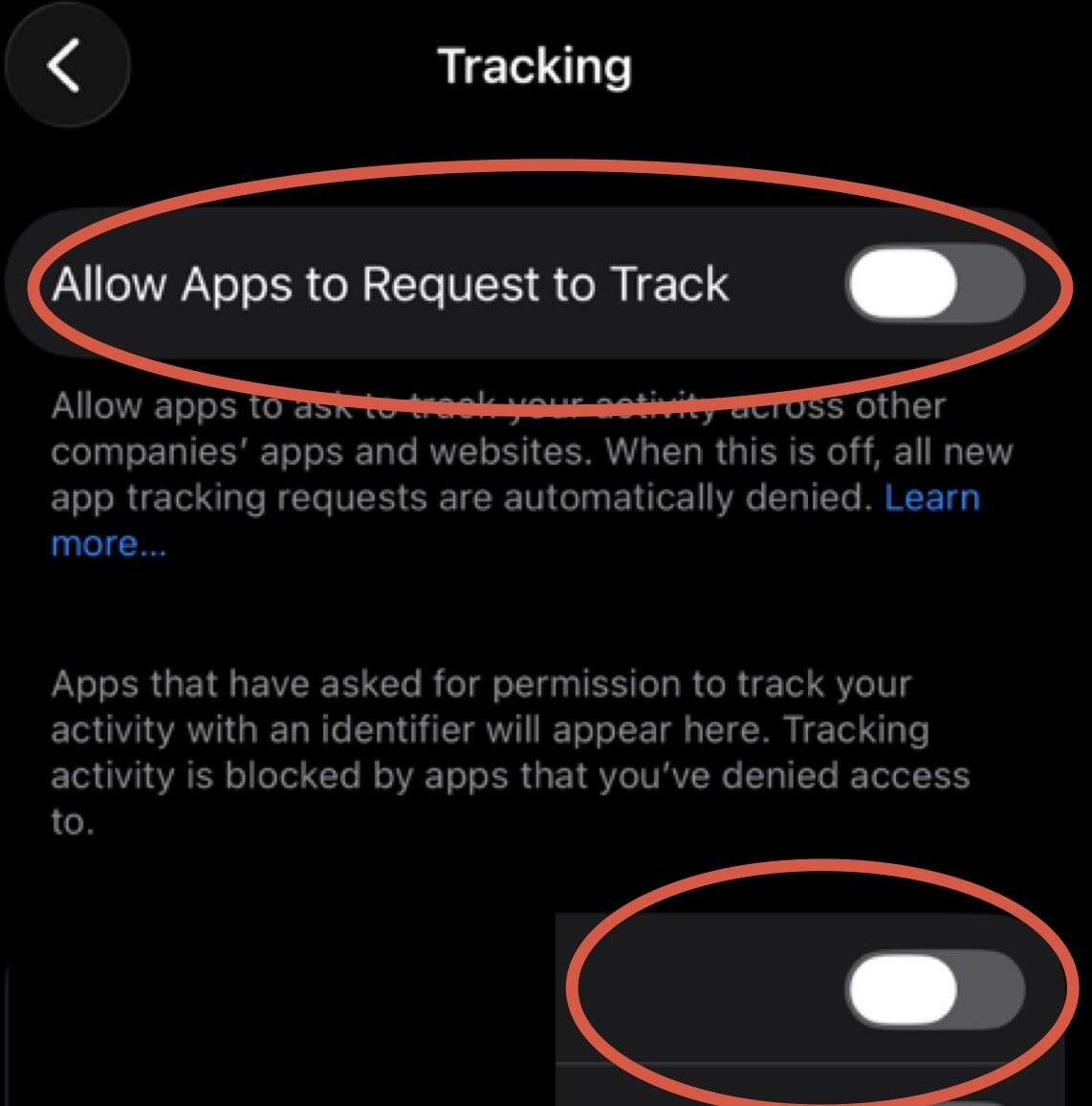
Today's story is about tracking across devices and apps. iPhone has a setting that allows apps to request to track you across multiple channels and unfortunately it's ON by default. Time to turn it off. Go to Settings-> Privacy & Security-> Tracking and turn off top toggle that says Allow Apps to Request to Track, also go through all the apps on the list there and make sure it's off for all of them. #iphoneprivacy #punkprivacy