Follow

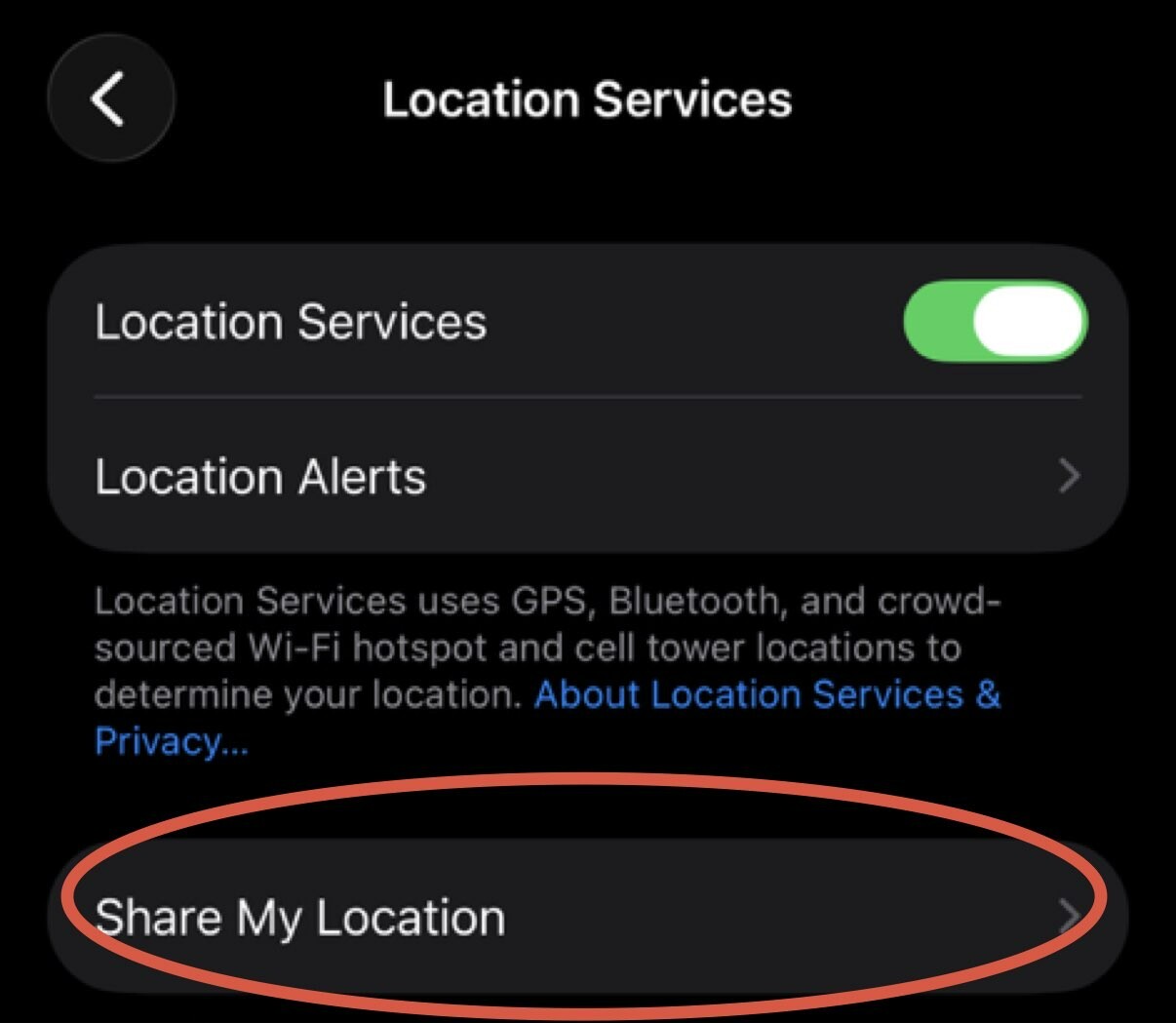
Let's start with iPhone feature to share location with your friends/family. Go to Settings-> Privacy & Security-> Location Services-> Share My Location and confirm that you intended to share it with those people. Click on individual person, scroll down and click "Stop Sharing My Location" to stop. Go through every name on the list. If you are not sharing with anyone click on "Share My Location" green checkbox to stop sharing it all together. #iphoneprivacy #punkprivacy