Follow

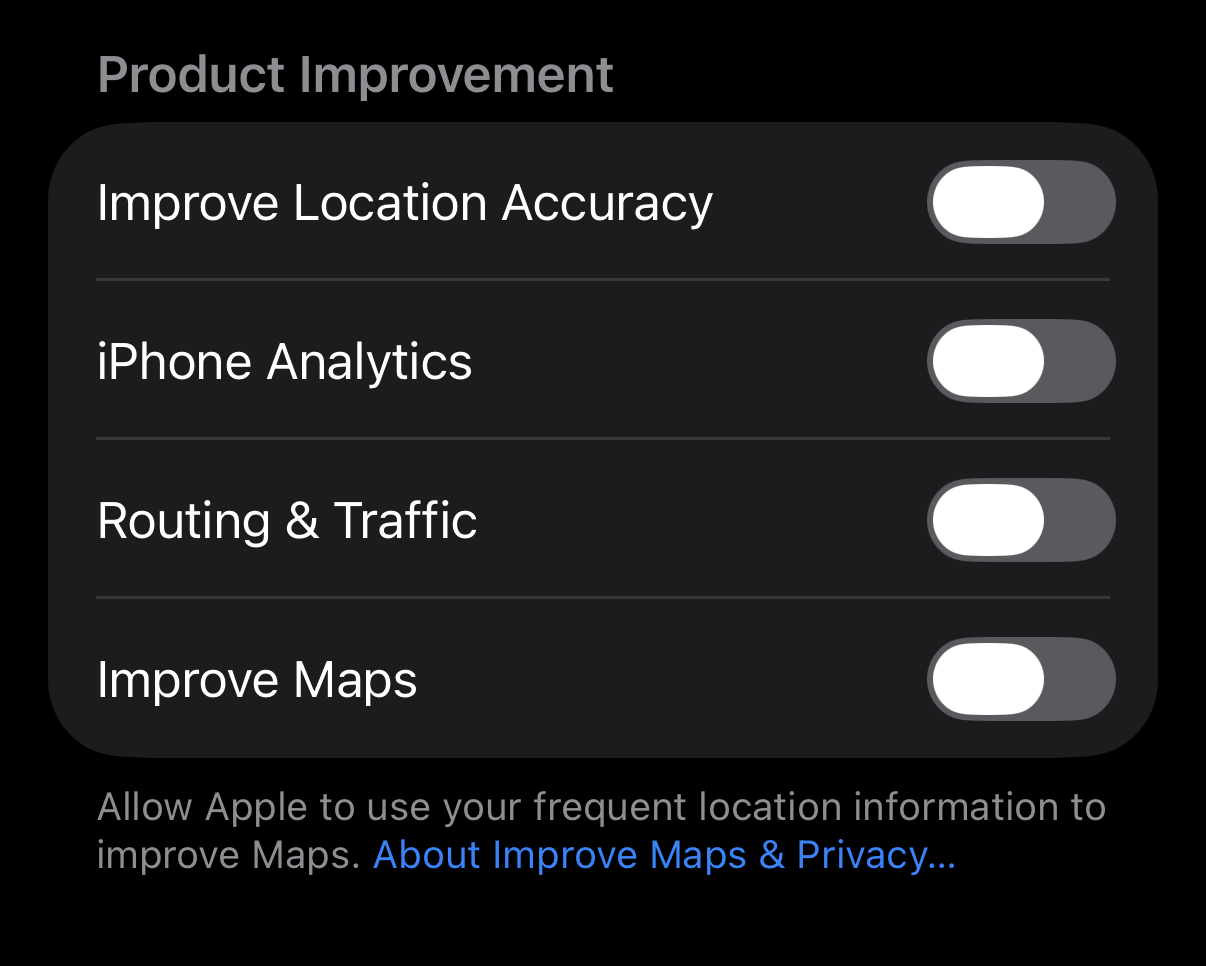
One other setting to disable in Location section - "Product Improvement", no it's not improvement for you it's simply to use your data to improve Apple systems, just disable it. Go to Settings-> Privacy & Security-> Location Services scroll down through all the apps, at the bottom you'll see "System Services", click on it. Scroll down to "Product Improvement" section and disable all settings within that section. #iphoneprivacy #punkprivacy