Follow

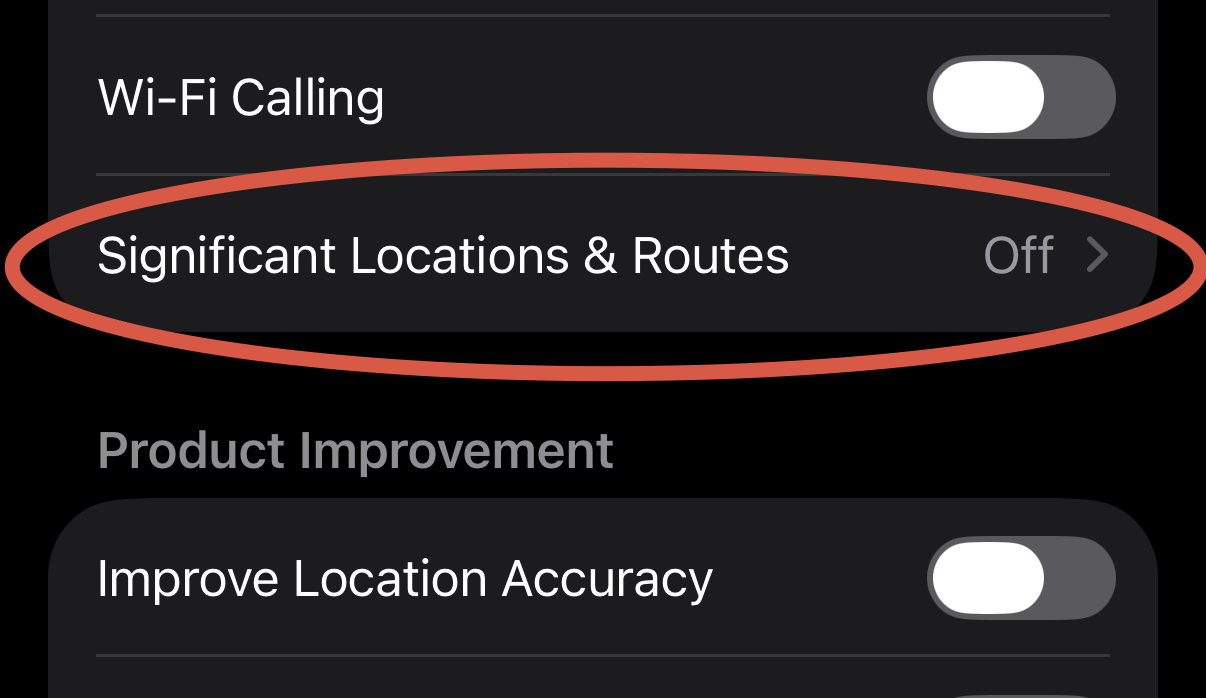
This setting might be a bit controversial, but I'll still recommend turning it off. Go to Settings-> Privacy & Security-> Location Services scroll down through all the apps, at the bottom you'll see "System Services", click on it. Scroll down to Significant Location & Routes and click on it. Then disable it and clear history. Description states that it's end to end encrypted and can't be read by Apple, but I'll still recommend turning it off anyway. #iphoneprivacy #punkprivacy