

Sergey Shkundaleu @archit3ct@social.ssbx.dev
- WebSite
- https://sergey.iontec.co/
- GitHub
- https://github.com/sergshk
Admin
Experienced technology entrepreneur on the quest for ethics and privacy. Follow #punkprivacy tag to get regular privacy tips. You can also follow @ethiork account to get information about progress of Ethiork project that enables people to own their data and protect their privacy.
Joined Nov 2020
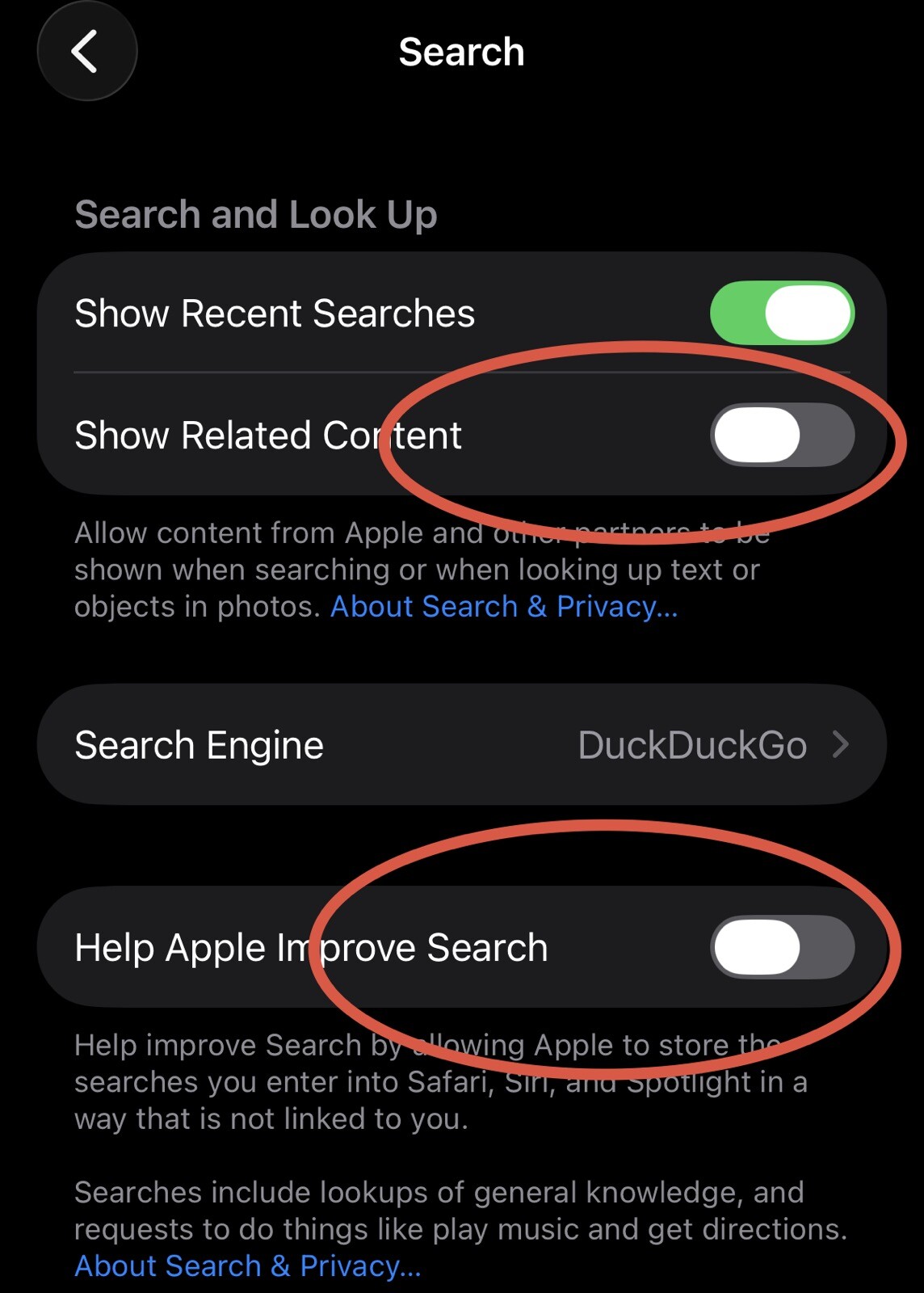
One more privacy tip for iPhone. There are some defaults in Search settings that are questionable from privacy standpoint and need to be turned off. Go to Settings -> Search and turn off Show Related Content and Help Apple Improve Search settings, otherwise your searches will be exposed for Apple and their partners. #iphoneprivacy #PunkPrivacy
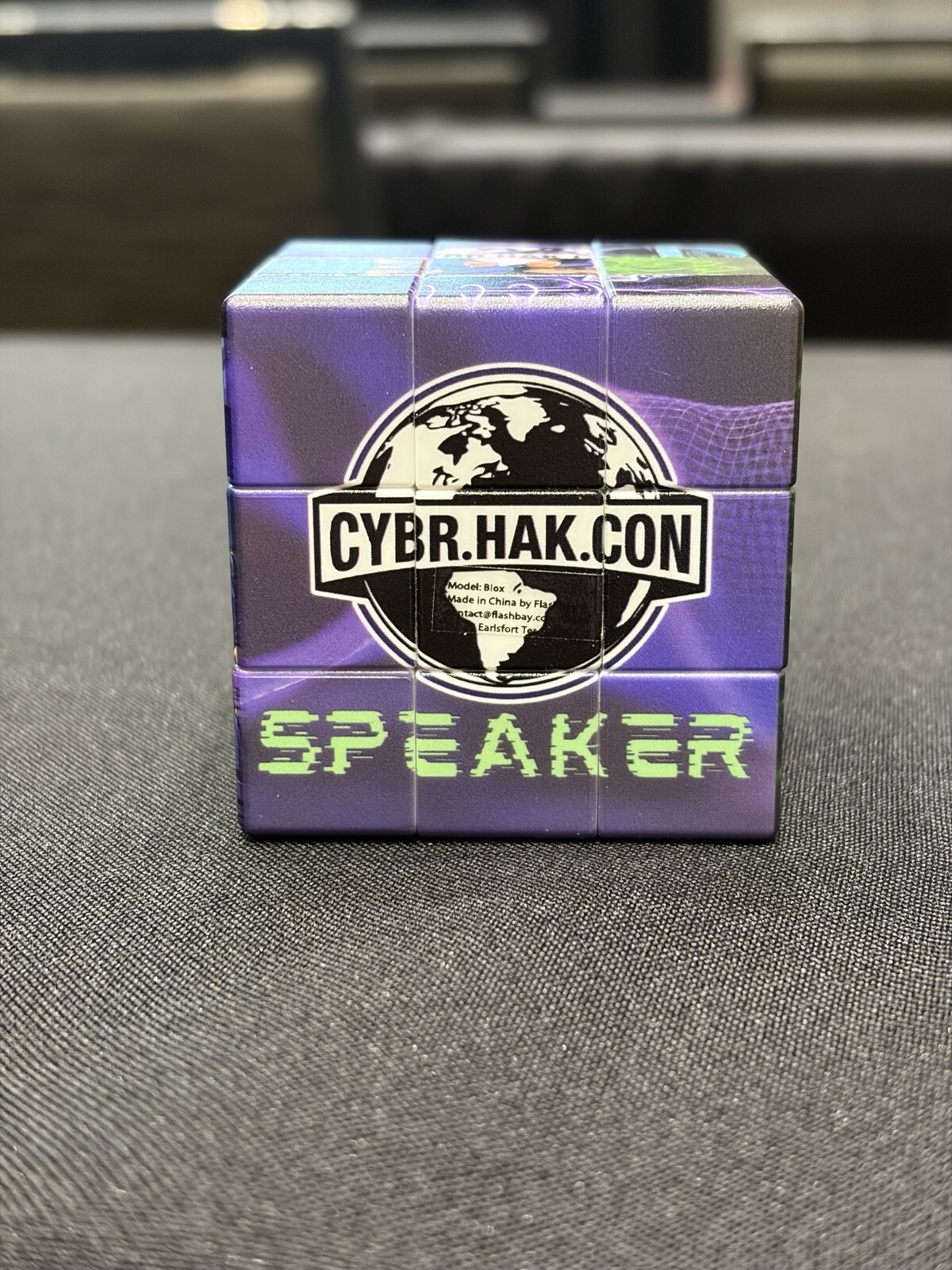
Had such a blast speaking at inaugural CYBR.HAK.CON conference, sharing my findings from analysis of hundreds App Privacy Reports from iPhones. As a bonus now I have quite a unique Rubiks' cube. Thanks @phil for partnering with CYBR.SEC.CON to bring that new conference to Dallas area.
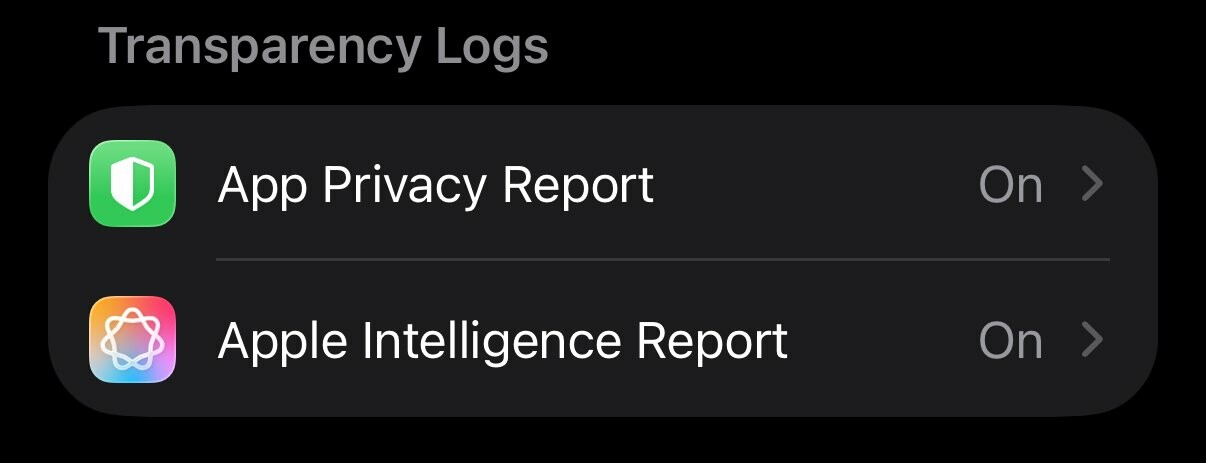
This is last post in series covering iPhone privacy settings. I'd like to point out to a very neat feature - reports that your phone can build, based on description those are suppose to be on device reports. Go to Settings-> Privacy & Security and scroll to Transparency Log section and turn ON both App Privacy Report and Apple Intelligence Report. Those reports will help audit where your data is going, you can always ask friend for analysis.
#iphoneprivacy #punkprivacy
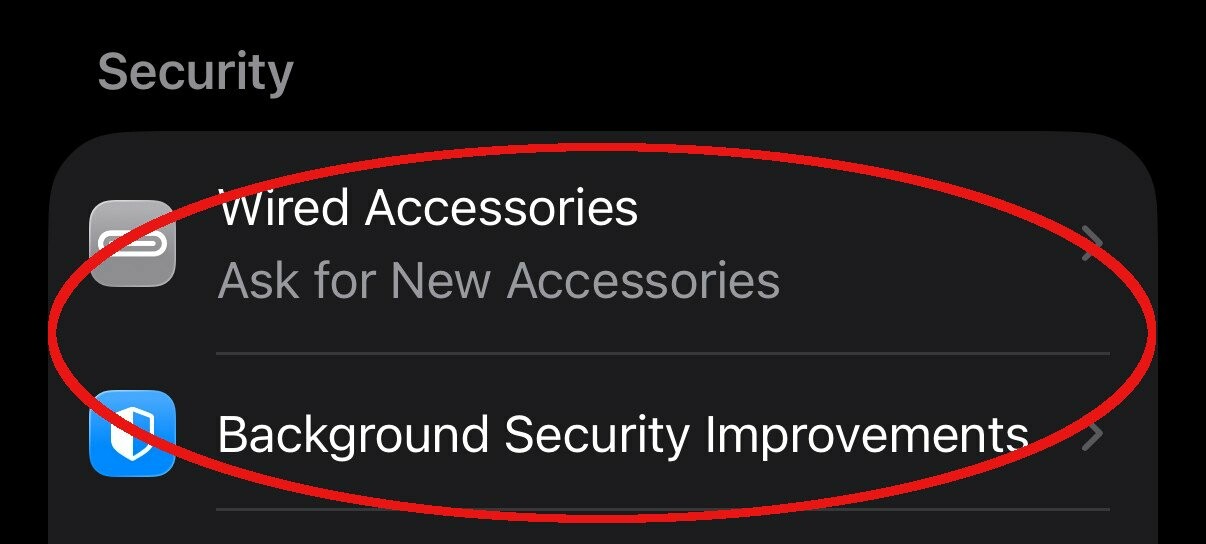
There is a section in privacy settings on iPhone titled Security. Go to Settings-> Privacy & Security scroll down to Security section. My recommendation there to set Wired Accessories to either Always Ask or Ask for New Accessories, to make sure when something plugged into your phone it'll notify you. Also keep Background Security Improvements as on to make sure you always receive latest security updates. #iphoneprivacy #punkprivacy
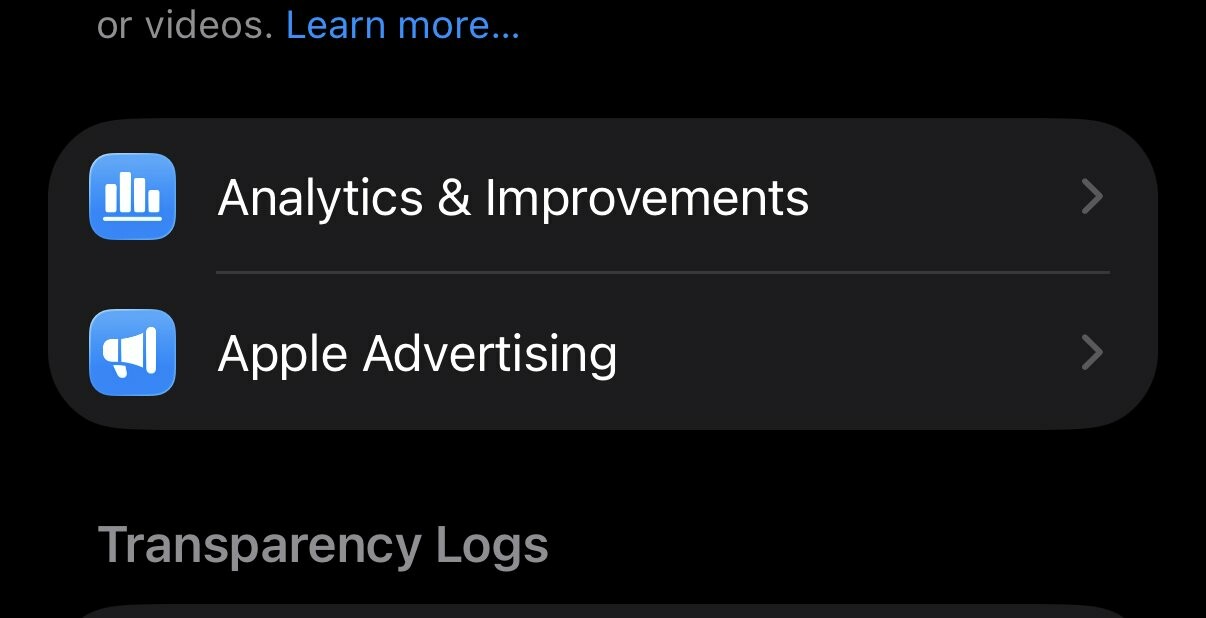
Two "no brainer" privacy settings that you still need to check, especially if you decided to enable those at some point. Go to Settings-> Privacy & Security locate Analytics & Improvements and Apple Advertising. Go inside of each of these settings and make sure that every option is off there. This will ensure that your information is not being used to improve some systems and no you do not need personalized ads.
#iphoneprivacy #punkprivacy
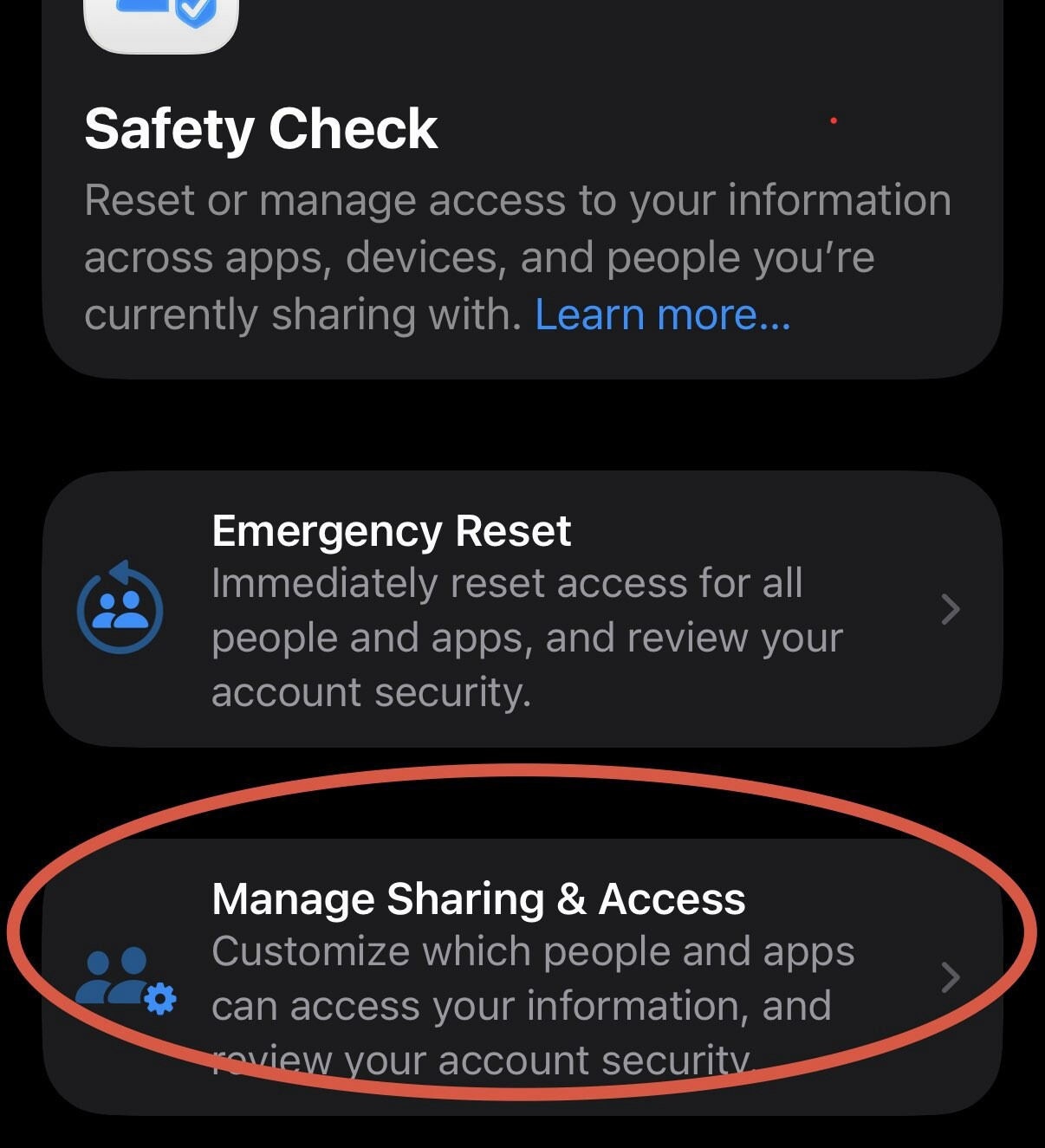
Safety Check is a privacy feature to understand holistically what information you are sharing and who you sharing it with. It can also help to limit exposure by quickly resetting all of your sharing settings. I am not going to explain emergency reset, let's just focus on review. Go to Settings-> Privacy & Security -> Safety Check. Click Manage Sharing & Access. Go through wizard and review information you are sharing, take action if needed. #iphoneprivacy #punkprivacy
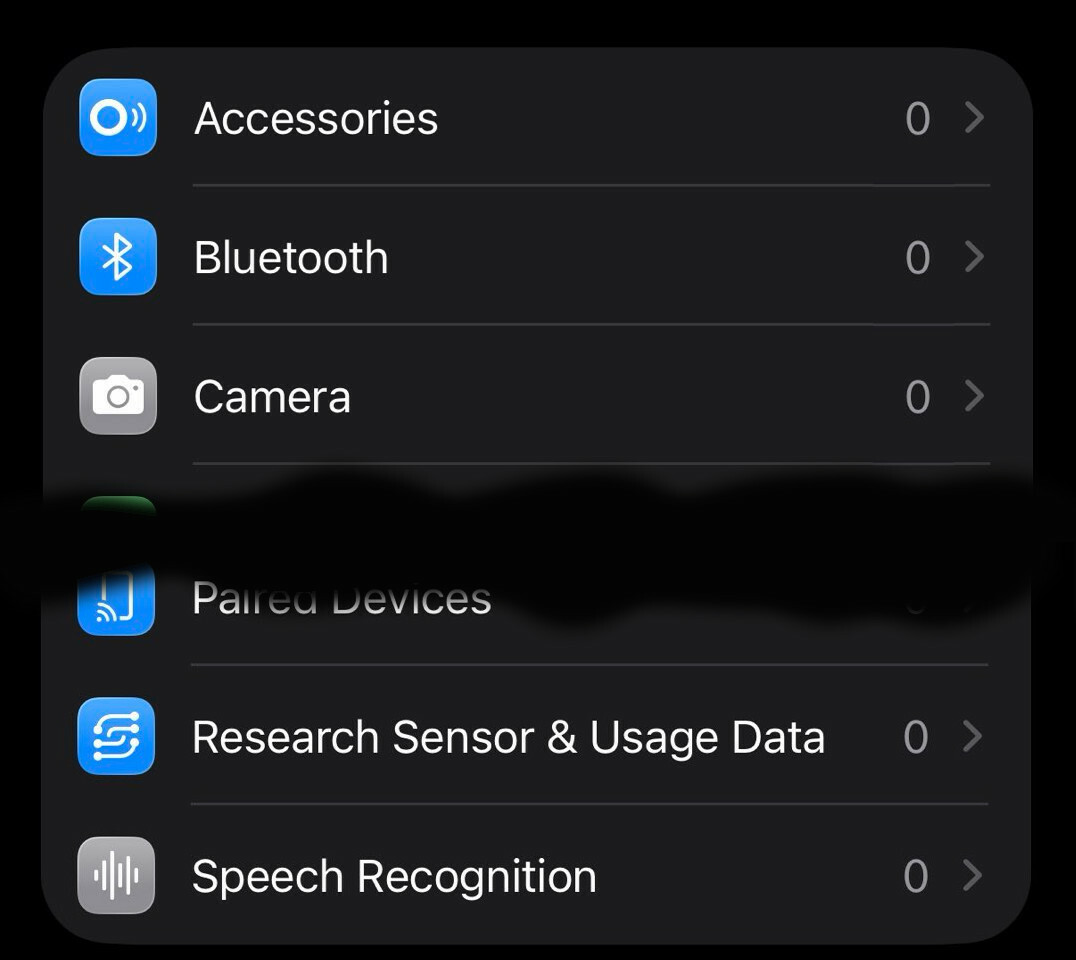
Let's talk about privacy of various capabilities linked to physical sensors on your iPhone. There is a special section in settings where you can decide which apps get access to those capabilities. Go to Settings-> Privacy & Security, then scroll past "Wallet" option. You'll see Accessories, Bluetooth, Camera, etc. Go inside each option and ensure that only apps that you expect have access to each particular capability(number represent how many apps). #iphoneprivacy #punkprivacy
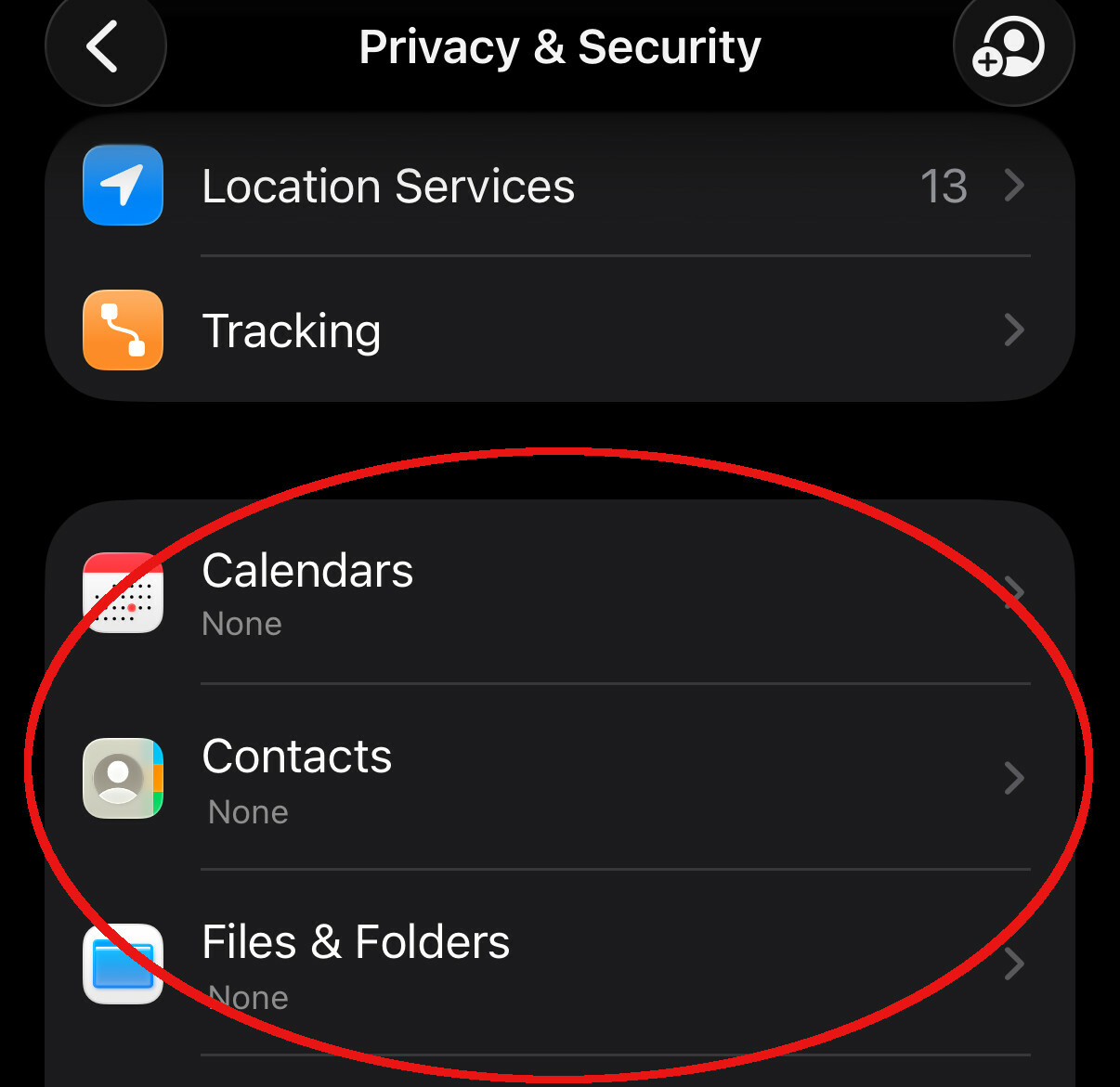
Let's talk about privacy in section that responsible for standard smartphone capabilities, like Calendar, Contacts, Photos, etc. List is much longer. Go to Settings-> Privacy & Security, then scroll past "Tracking" and in next section go into each capability and grant access based on your needs. There are 3 options, None, Limit access(you select items) or Full Access. Avoid giving full access, limit as much as possible. #iphoneprivacy #punkprivacy
Just in time before icemagedon package from BlackHills arrived with this compact guide. Time to review what's inside with a cup of hot beverage.

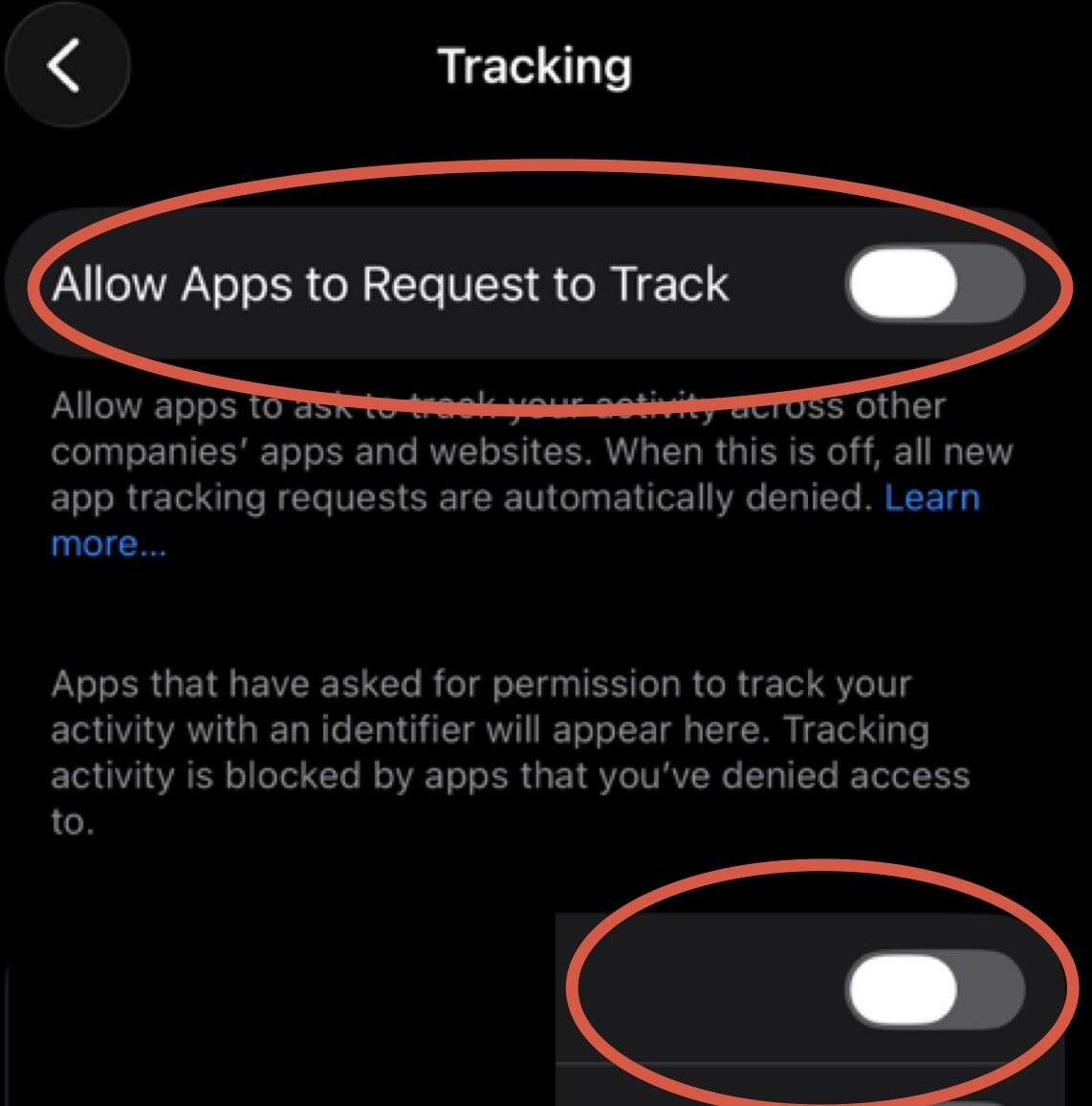
Today's story is about tracking across devices and apps. iPhone has a setting that allows apps to request to track you across multiple channels and unfortunately it's ON by default. Time to turn it off. Go to Settings-> Privacy & Security-> Tracking and turn off top toggle that says Allow Apps to Request to Track, also go through all the apps on the list there and make sure it's off for all of them. #iphoneprivacy #punkprivacy
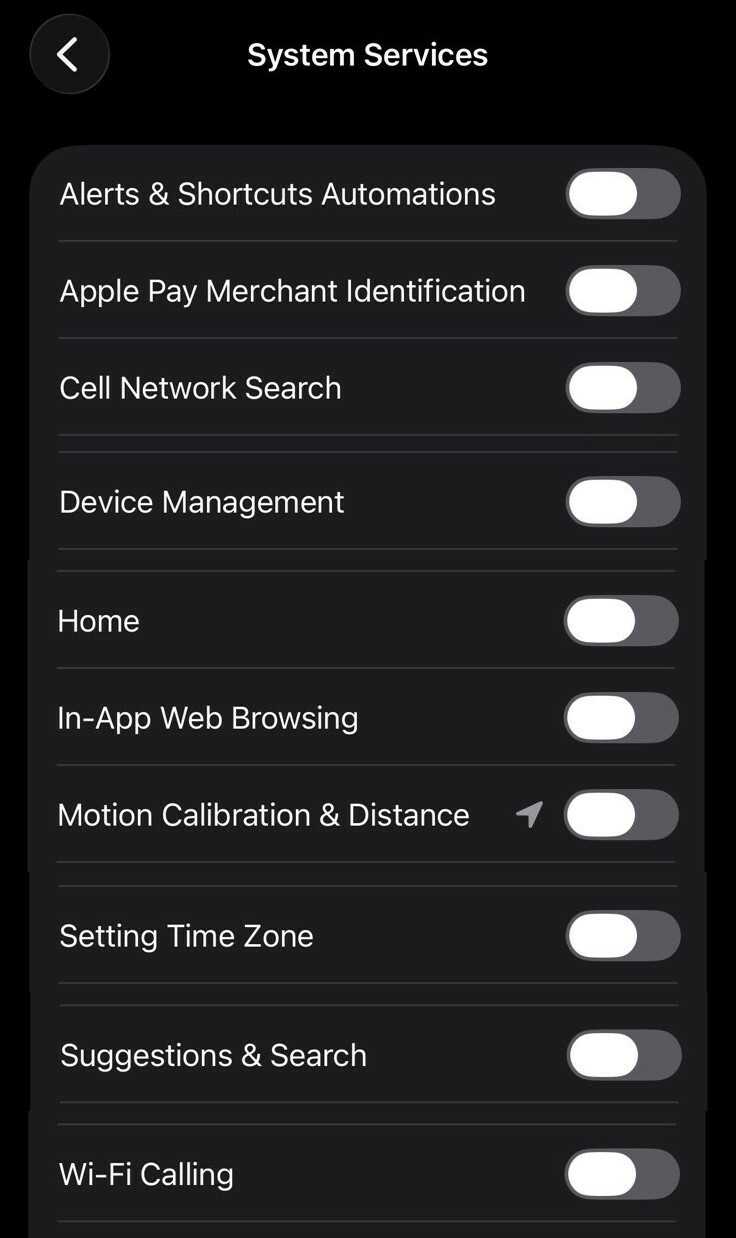
Next set is quite complex, explanation won't fit into a single post. So here is list of items I'd recommend to disable for personal iPhone. Go to Settings-> Privacy & Security-> Location Services scroll down through all the apps, at the bottom you'll see "System Services", click on it. Go through all options and adjust as you see fit, recommendation on the image. While you are there turn on "Status Bar Icon" to see when location used. #iphoneprivacy #punkprivacy
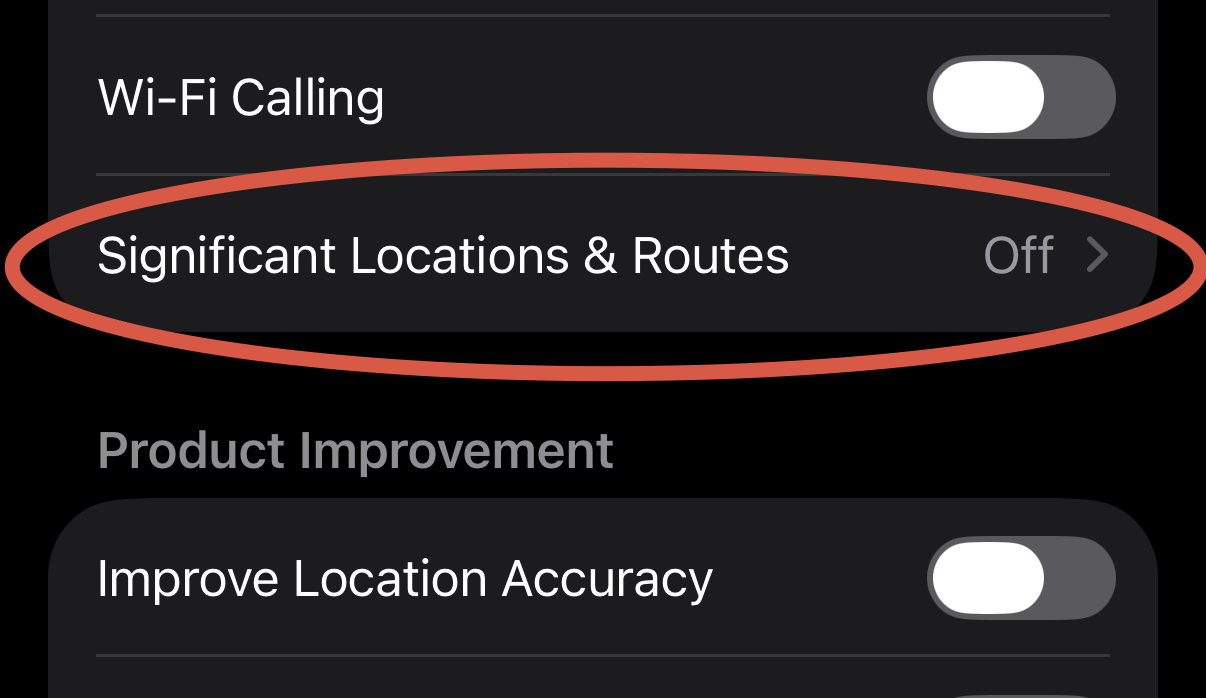
This setting might be a bit controversial, but I'll still recommend turning it off. Go to Settings-> Privacy & Security-> Location Services scroll down through all the apps, at the bottom you'll see "System Services", click on it. Scroll down to Significant Location & Routes and click on it. Then disable it and clear history. Description states that it's end to end encrypted and can't be read by Apple, but I'll still recommend turning it off anyway. #iphoneprivacy #punkprivacy
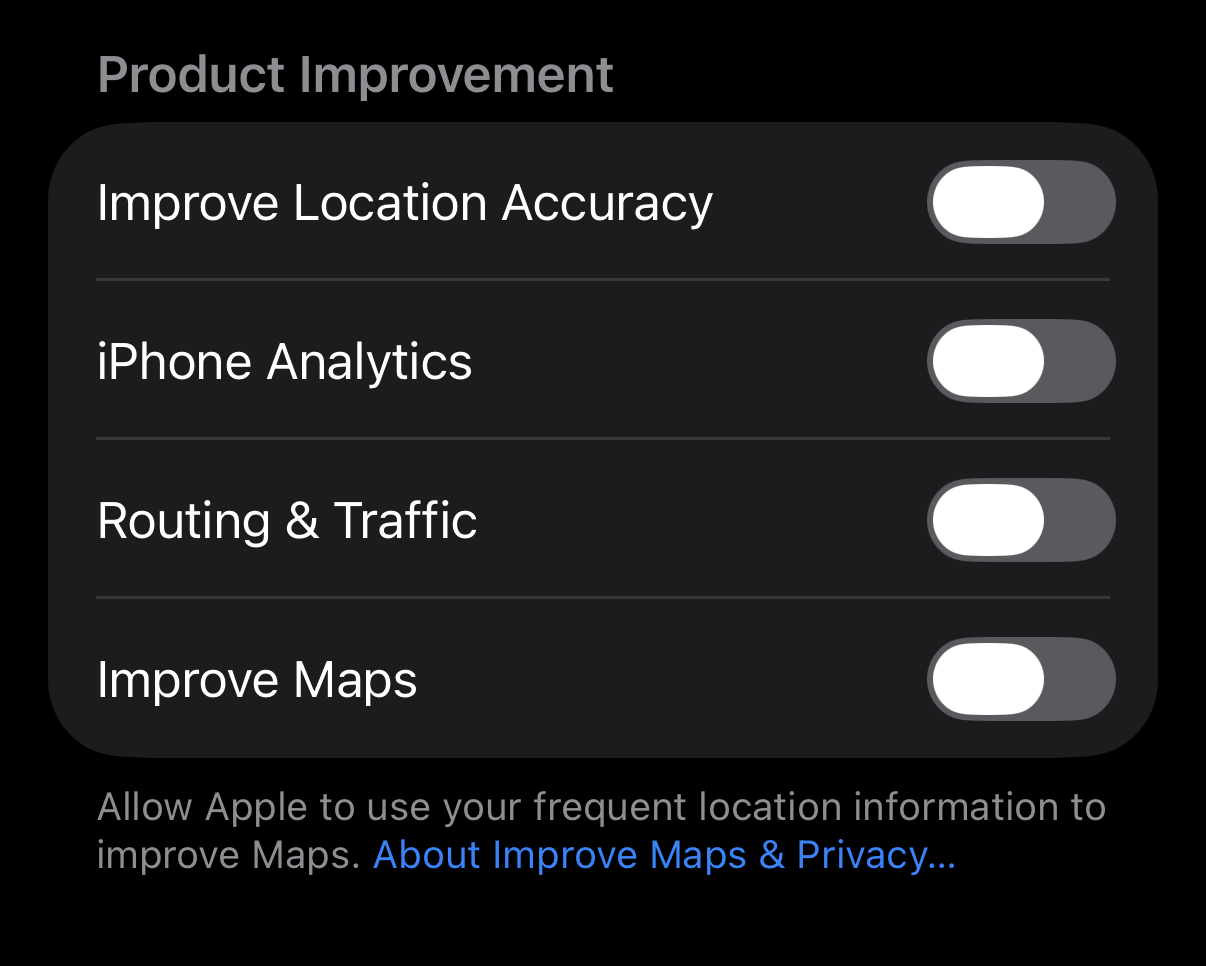
One other setting to disable in Location section - "Product Improvement", no it's not improvement for you it's simply to use your data to improve Apple systems, just disable it. Go to Settings-> Privacy & Security-> Location Services scroll down through all the apps, at the bottom you'll see "System Services", click on it. Scroll down to "Product Improvement" section and disable all settings within that section. #iphoneprivacy #punkprivacy
Let's talk about location precision. iPhone has a setting that controls how precise your location passed to an app. Unfortunately by default it's precise, which is a within 10 ft radius. Turning it off makes it a mile-ish radius. I am sorry, but weather does not change within a mile radius, so your weather app does not need it. Go to Settings-> Privacy & Security-> Location Services, review apps and turn off Precise Location unless it's an app that needs it. #iphoneprivacy #punkprivacy
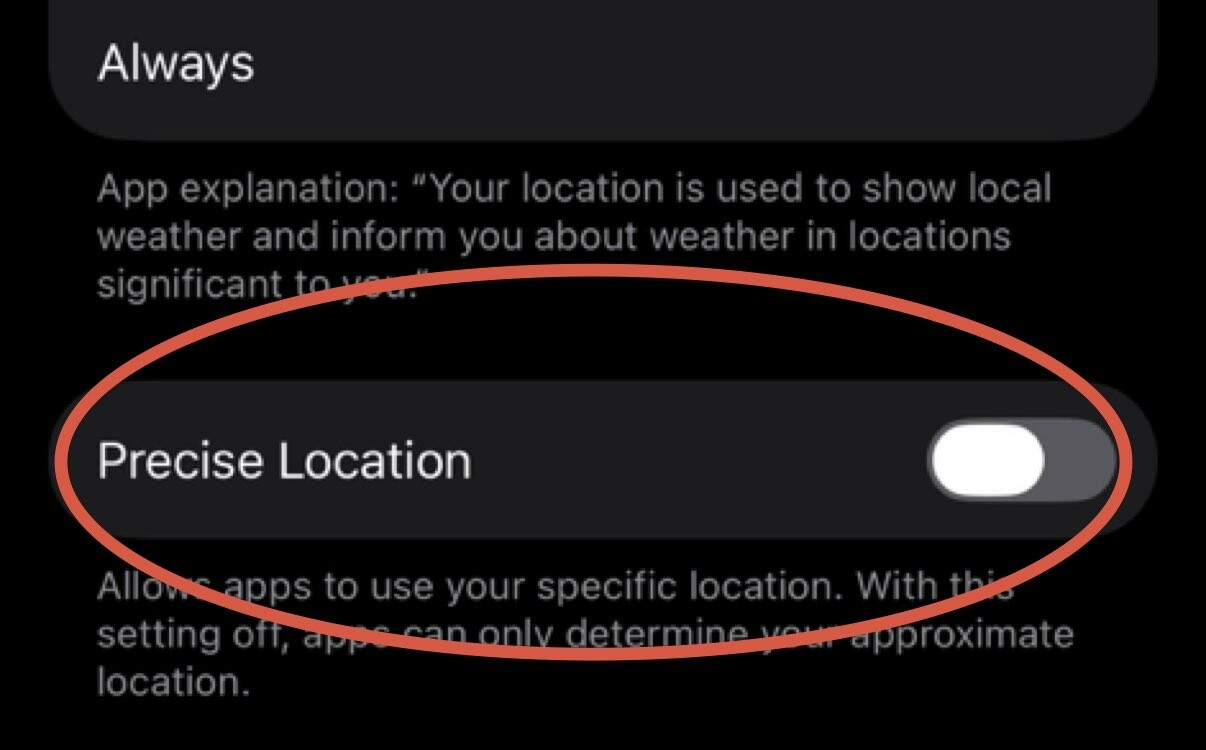
We are not done with location just yet, now we need to review apps that we are sharing location with. Go to Settings-> Privacy & Security-> Location Services and review each app. Typically you night have next options: Never, Ask Next Time or When I Share, While Using the App, Always. Many apps will attempt to convince you to switch to Always, never do that. If app requires location, maps for example, settle on While Using the App.
#iphoneprivacy #punkprivacy
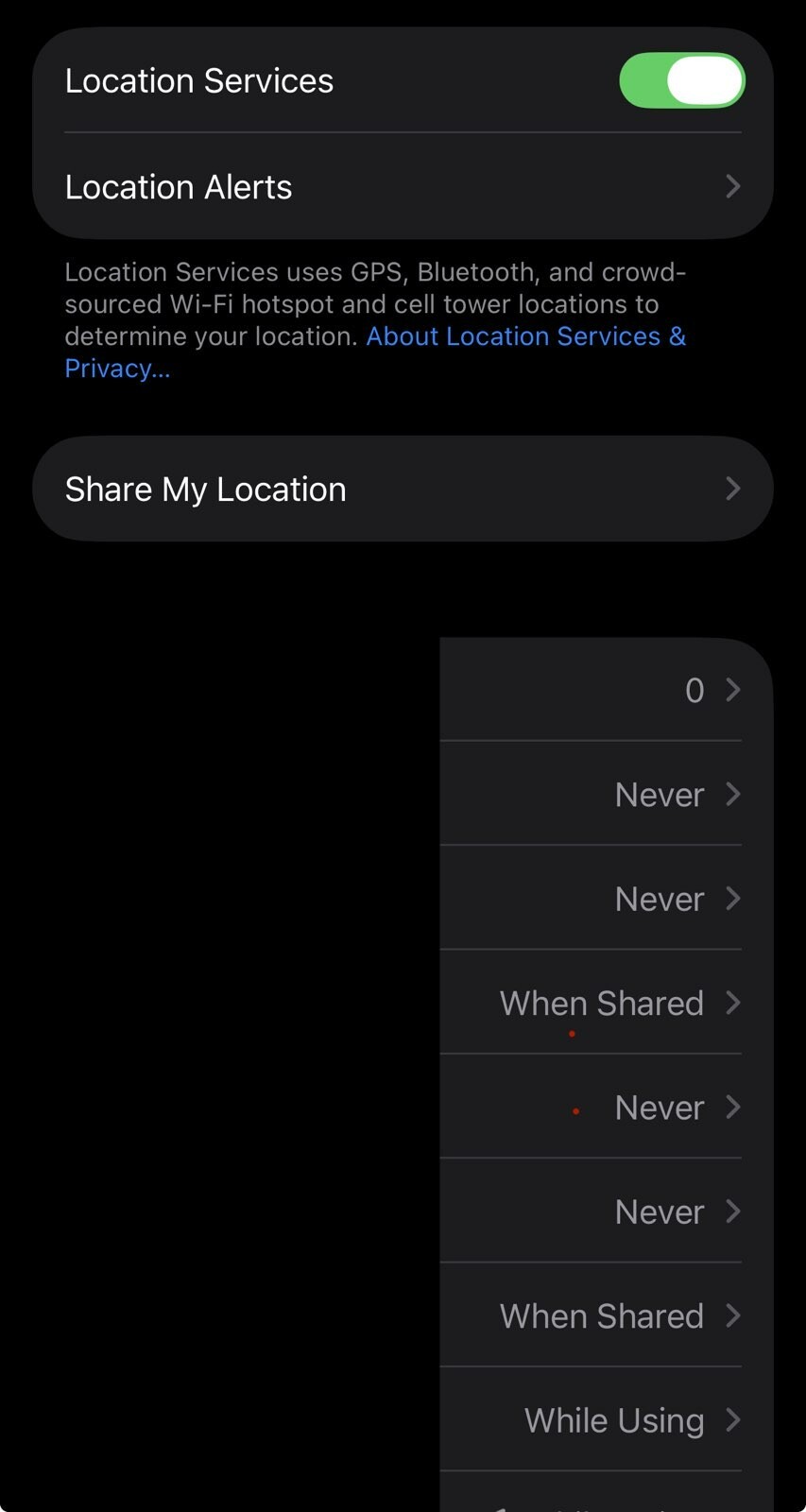
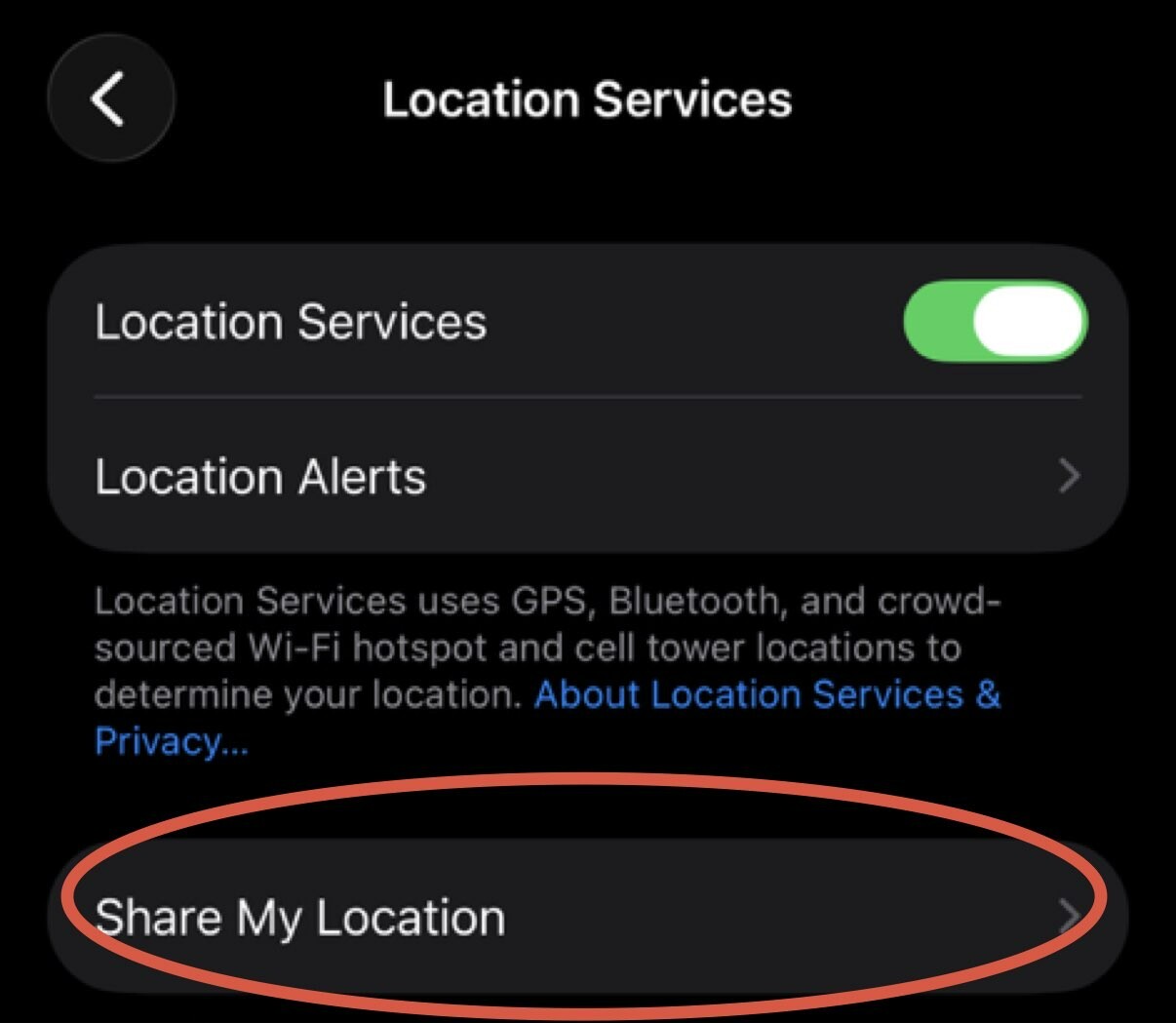
Let's start with iPhone feature to share location with your friends/family. Go to Settings-> Privacy & Security-> Location Services-> Share My Location and confirm that you intended to share it with those people. Click on individual person, scroll down and click "Stop Sharing My Location" to stop. Go through every name on the list. If you are not sharing with anyone click on "Share My Location" green checkbox to stop sharing it all together. #iphoneprivacy #punkprivacy
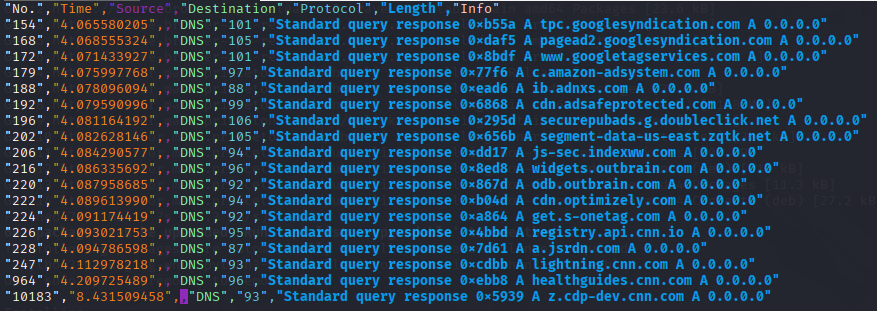
I have decided to have little browser war or showdown. I have heard of Brave being positioned as browser with built in tracker blocking capabilitiees, so I ran it along side Firefox with Wireshark analyzing DNS protocol. Results ... my network DNS server won blocking more than both of them :D but Brave held firm second place, where my DNS having less work when I went to cnn.com of all places.

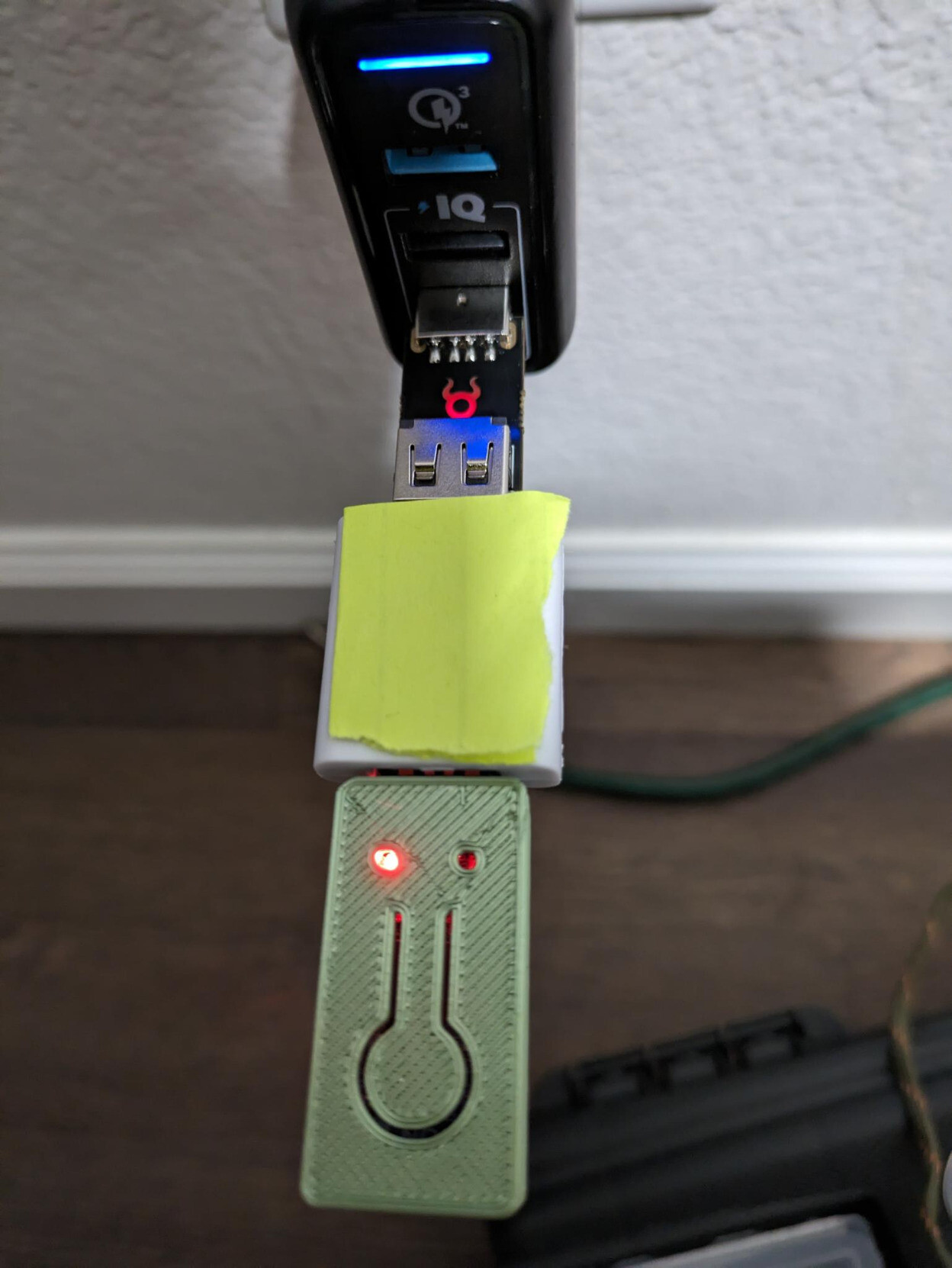
My friends in cybersecurity community, here is interesting challenge for you. I grabbed swag data blocker from one of the vendors at cybersecurity conference, tested at home using OMG malicious cable detector, by plugging security key into data blocker and then into OMG tool. OMG light up, as seen in the picture, I popped data blocker open and data pins are not soldered on one side. How? Any ideas. Here is the image, vendor name blocked, it's not their fault.
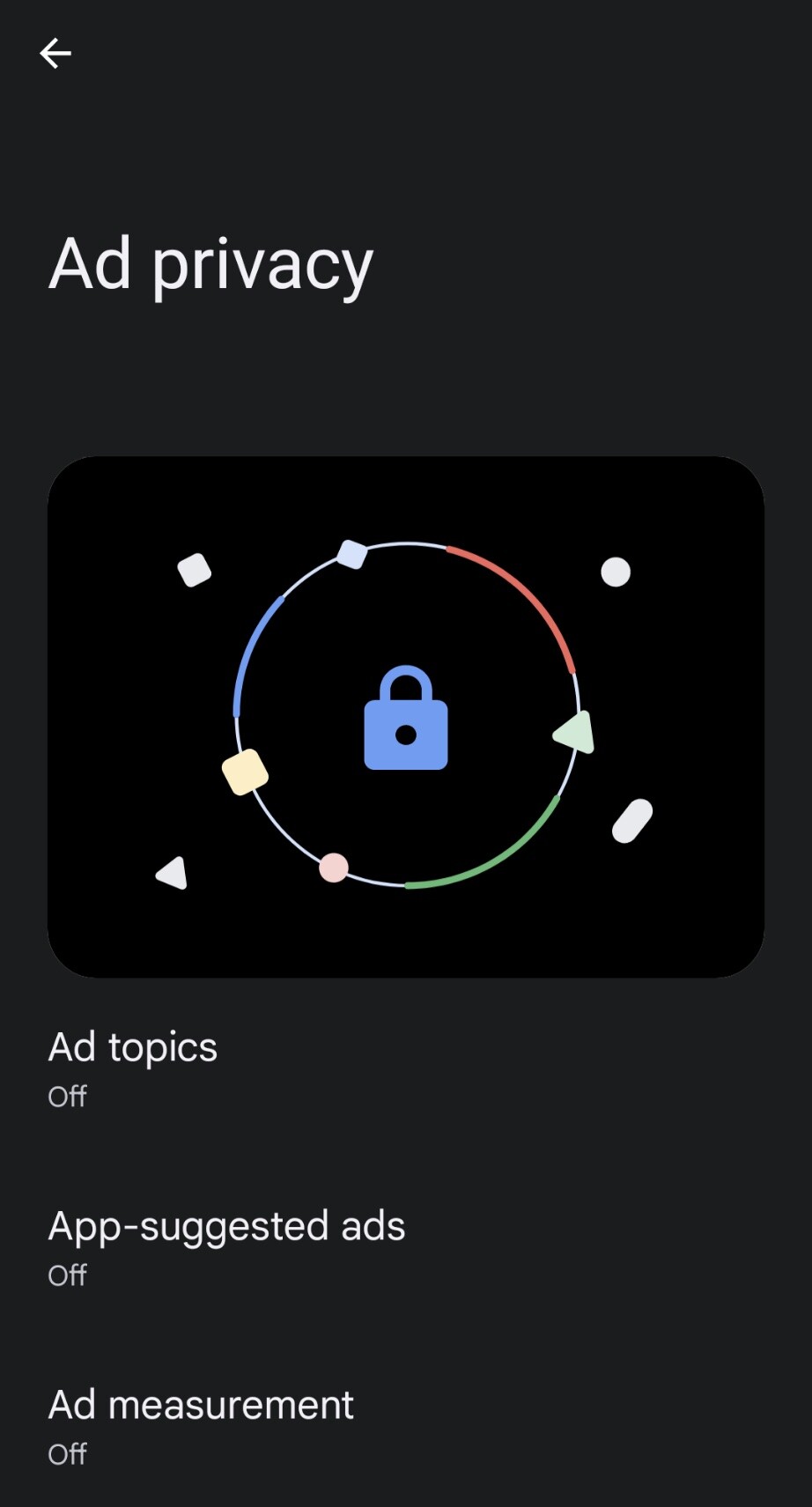
If you are using Android phone then you could have noticed recent update from Google which allowed you to "personalize your ad experience" and those settings apparently were on by default. So you have to actually do work to opt out. Here is how you can turn it off: Settings->Security&Privacy->More privacy settings->Ads->Ad privacy. It will take you to the screen in picture, go ahead and turn off all of these settings and definitely delete your advertising ID. #punkprivacy
I've read white-paper about data that iOS and Android devices send when NOT IN USE, so that you don't have to. Situation is really bad, even when user opted out of telemetry devices continue to send data to A and G respectively. Aside from everything else, one area that I'd like to highlight is MAC addresses of nearby devices, along with gateway that iOS devices send, if exposed 3-rd parties may learn a lot about devices in your household. https://www.scss.tcd.ie/doug.leith/apple_google.pdf

- WebSite
- https://sergey.iontec.co/
- GitHub
- https://github.com/sergshk
Admin
Experienced technology entrepreneur on the quest for ethics and privacy. Follow #punkprivacy tag to get regular privacy tips. You can also follow @ethiork account to get information about progress of Ethiork project that enables people to own their data and protect their privacy.
Joined Nov 2020