
Sergey Shkundaleu @archit3ct@social.ssbx.dev
- WebSite
- https://sergey.iontec.co/
- GitHub
- https://github.com/sergshk
Admin
Experienced technology entrepreneur on the quest for ethics and privacy. Follow #punkprivacy tag to get regular privacy tips. You can also follow @ethiork account to get information about progress of Ethiork project that enables people to own their data and protect their privacy.
Joined Nov 2020
Your government is buying your location data — no warrant needed. Federal agencies pay data brokers millions for bulk cell phone location info that would otherwise require a court order. Congress is pushing back, but the practice continues. This is the 4th Amendment loophole hiding in plain sight.
Link:https://www.wgbh.org/news/national/2026-03-31/your-data-is-everywhere-the-government-is-buying-it-without-a-warrant
#Surveillance #Privacy #DataBrokers #4thAmendment
Paywalled article, but ... Isn't fridge suppose to actually store your food rather than display ads? When you bought it were you buying a fridge or ad machine? Yet another reason to have network wide ad-blocker.
Link:https://www.wsj.com/lifestyle/samsung-refrigerator-ads-lg-whirlpool-ge-10ea7bcc?mod=e2fb,li
#Privacy
A hacker group recently broke into the platform managing school records for 11 million students across 3,200 U.S. districts — through one employee's Salesforce account. All it took is just one login. This is a hidden risk of centralized EdTech forced onto students by school districts. Based on an article students information hopefully was not impacted. Kids shouldn't be data points in someone's CRM and should have a choice of tech to use. https://www.bleepingcomputer.com/news/security/infinite-campus-warns-of-breach-after-shinyhunters-claims-data-theft/ #StudentPrivacy
The EU Commission recently confirmed a cyberattack on its cloud infra. This is the problem with centralized data: the bigger the target, the bigger the breach. Privacy isn't just about policy. Open source tools that eliminate single points of failure aren't a niche concern anymore - they're the only rational response to a world where no cloud, institution or vendor is immune.
What would a privacy-first internet look like if this was the default design, not the exception? https://techcrunch.com/2026/03/27/european-commission-confirms-cyberattack-after-hackers-claim-data-breach/
@briankrebs it’s not just clouds, satellites are ruining our night sky, every single day with no exceptions.
Sergey Shkundaleu
boosted

Security questions should be treated in a same way as passwords, because all in all your information can be packaged and sold OR exposed during a breach. So if you answered your mothers maiden name with it's full accuracy some one can make a connection. World will get weirder so it's better be prepared. When you asked for answers to security question, generate random 20 characters string and store it in your password manager, just like your passwords.
#punkprivacy
@SecurityWriter isn’t it better investment than stock market like 200% in last 6 month.
@ariadne unfortunately that’s the next for society, internet that started as communication and collaboration tool has become hate amplification tool, it brought forward darkest side in people, because hate and fear sells well. Bots will just automate it all.
Sergey Shkundaleu
boosted


https://theshamblog.com/an-ai-agent-published-a-hit-piece-on-me/
As a free software maintainer, this is entirely unacceptable. Now I have to spend time figuring out how to tell AI agents to *fuck off* so I don't have to deal with this.
Sergey Shkundaleu
boosted
How tech giants track you across the web, even if you don't use their apps
Ad tech giants use near-invisible "pixels" on web pages to track what you do online, even if you don't have an account or use their apps. Thankfully, there is a solution.
Sergey Shkundaleu
boosted
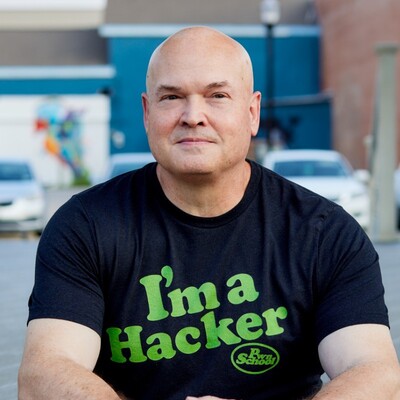
Snehal Antani: A New Cybersecurity Paradigm https://thehackermaker.com/snehal-antani-a-new-cybersecurity-paradigm/
Here is an interesting findings I was able to decipher from iPhone's privacy report: several messaging apps explicitly attempting to use well known DNS servers by IP, I wonder why? Would that be because they can't serve ads? Section with explicit IP addresses keep on giving. Bottom line you need to understand where your data is flowing to be able to protect it.
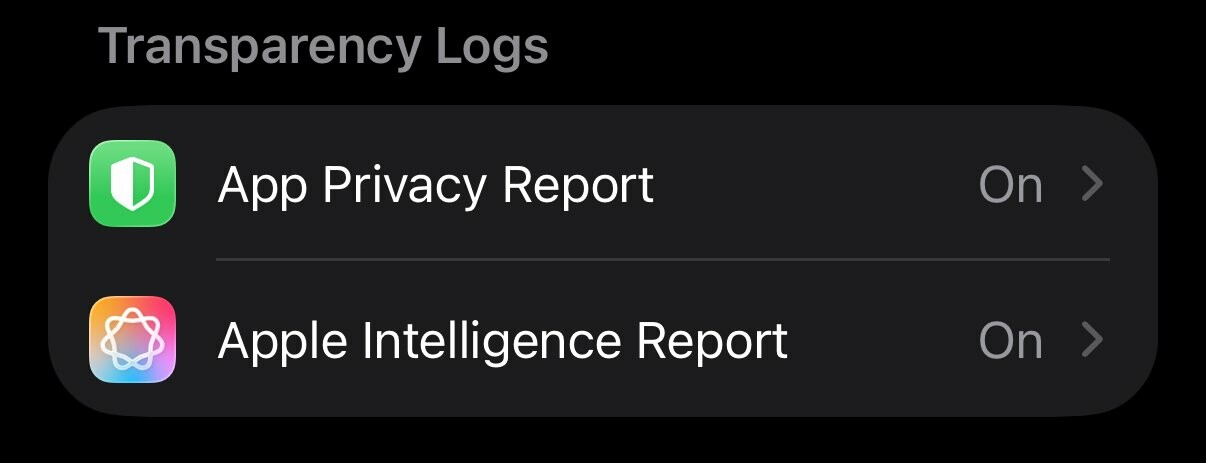
This is last post in series covering iPhone privacy settings. I'd like to point out to a very neat feature - reports that your phone can build, based on description those are suppose to be on device reports. Go to Settings-> Privacy & Security and scroll to Transparency Log section and turn ON both App Privacy Report and Apple Intelligence Report. Those reports will help audit where your data is going, you can always ask friend for analysis.
#iphoneprivacy #punkprivacy
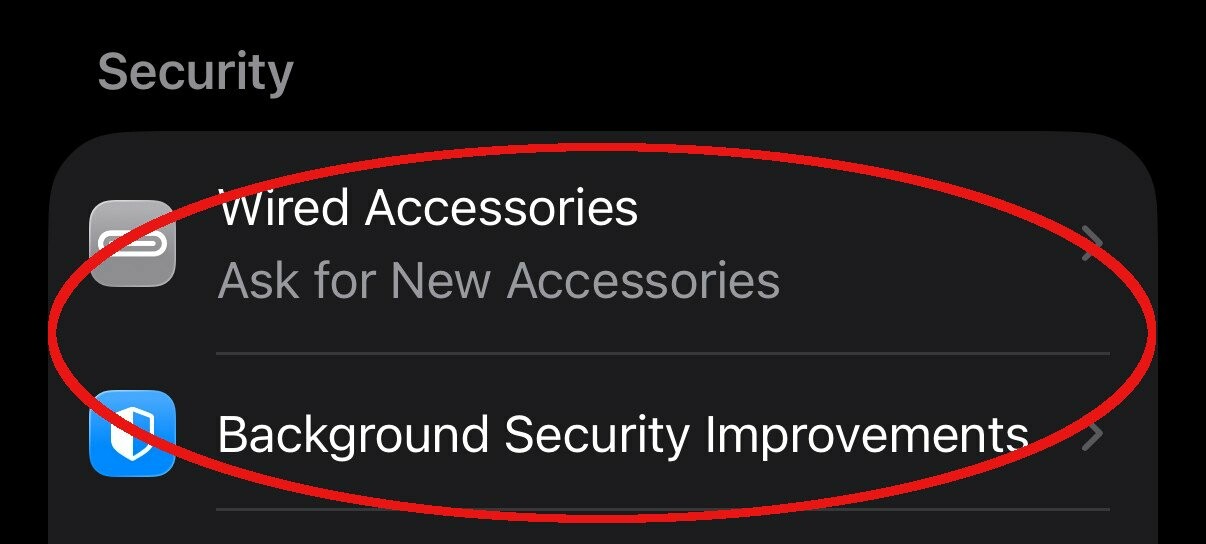
There is a section in privacy settings on iPhone titled Security. Go to Settings-> Privacy & Security scroll down to Security section. My recommendation there to set Wired Accessories to either Always Ask or Ask for New Accessories, to make sure when something plugged into your phone it'll notify you. Also keep Background Security Improvements as on to make sure you always receive latest security updates. #iphoneprivacy #punkprivacy
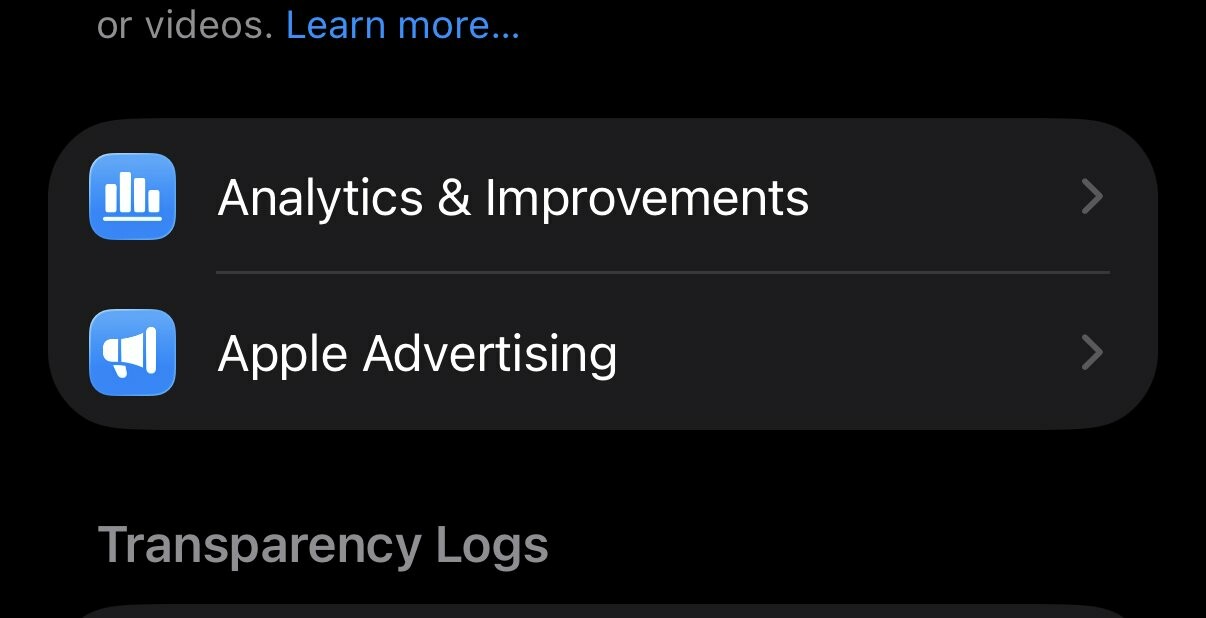
Two "no brainer" privacy settings that you still need to check, especially if you decided to enable those at some point. Go to Settings-> Privacy & Security locate Analytics & Improvements and Apple Advertising. Go inside of each of these settings and make sure that every option is off there. This will ensure that your information is not being used to improve some systems and no you do not need personalized ads.
#iphoneprivacy #punkprivacy
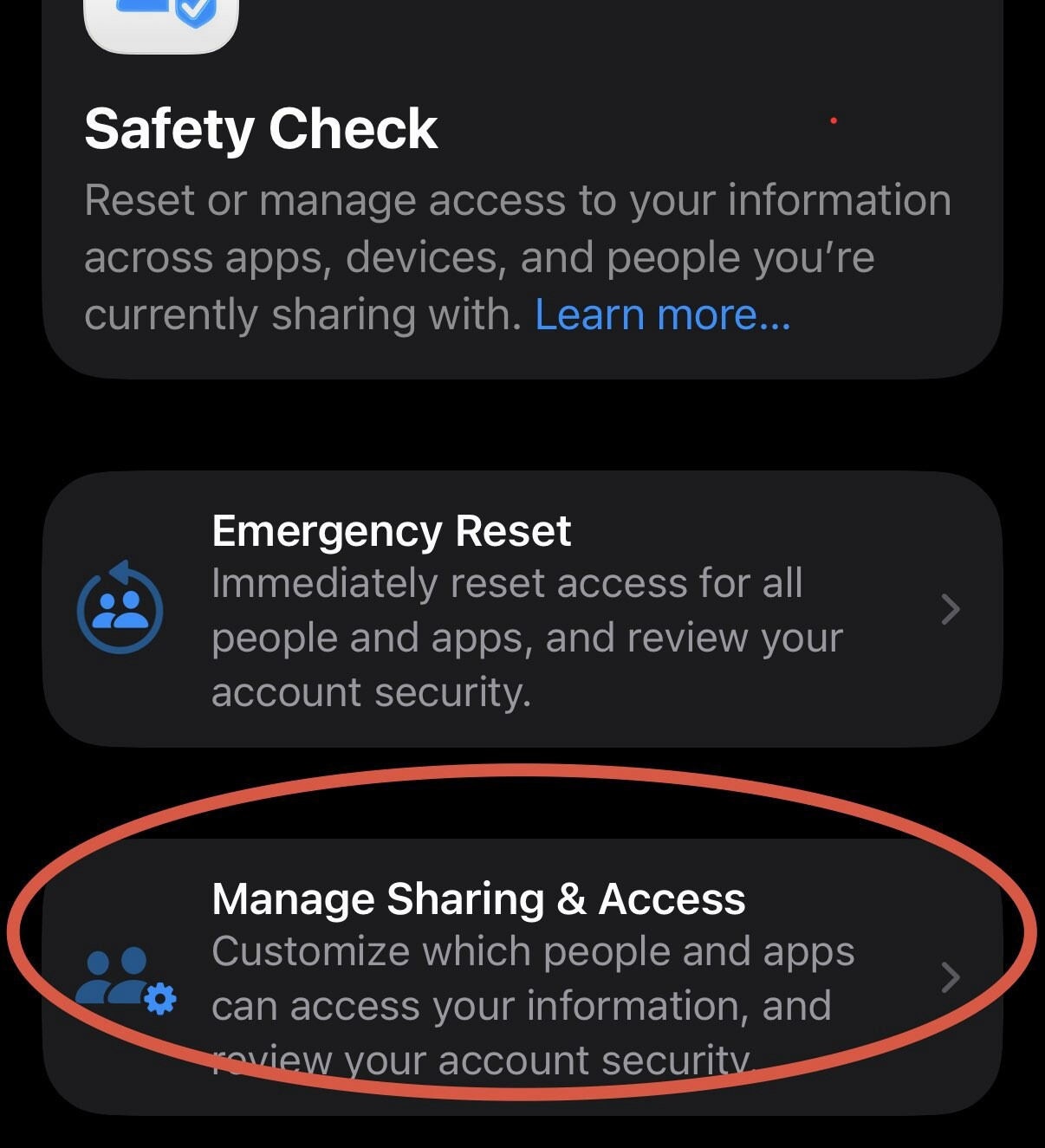
Safety Check is a privacy feature to understand holistically what information you are sharing and who you sharing it with. It can also help to limit exposure by quickly resetting all of your sharing settings. I am not going to explain emergency reset, let's just focus on review. Go to Settings-> Privacy & Security -> Safety Check. Click Manage Sharing & Access. Go through wizard and review information you are sharing, take action if needed. #iphoneprivacy #punkprivacy
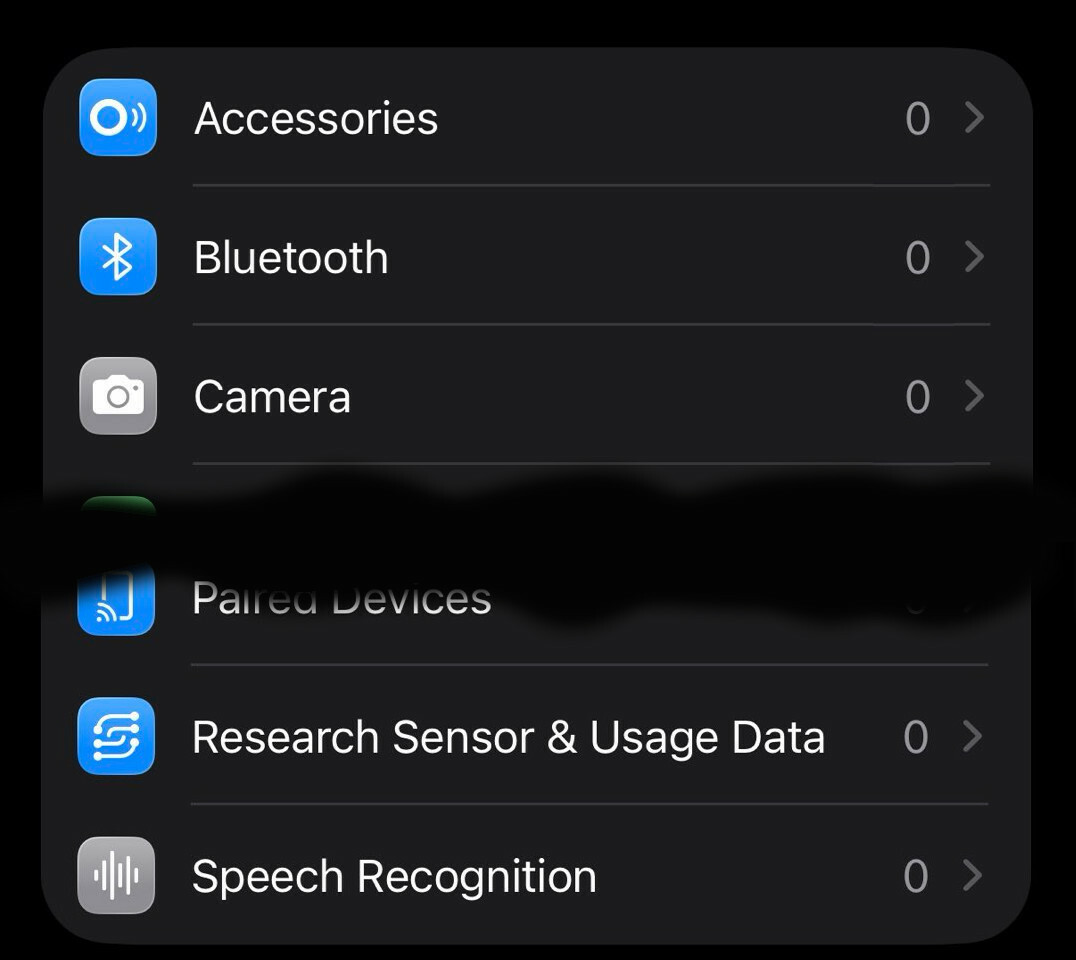
Let's talk about privacy of various capabilities linked to physical sensors on your iPhone. There is a special section in settings where you can decide which apps get access to those capabilities. Go to Settings-> Privacy & Security, then scroll past "Wallet" option. You'll see Accessories, Bluetooth, Camera, etc. Go inside each option and ensure that only apps that you expect have access to each particular capability(number represent how many apps). #iphoneprivacy #punkprivacy
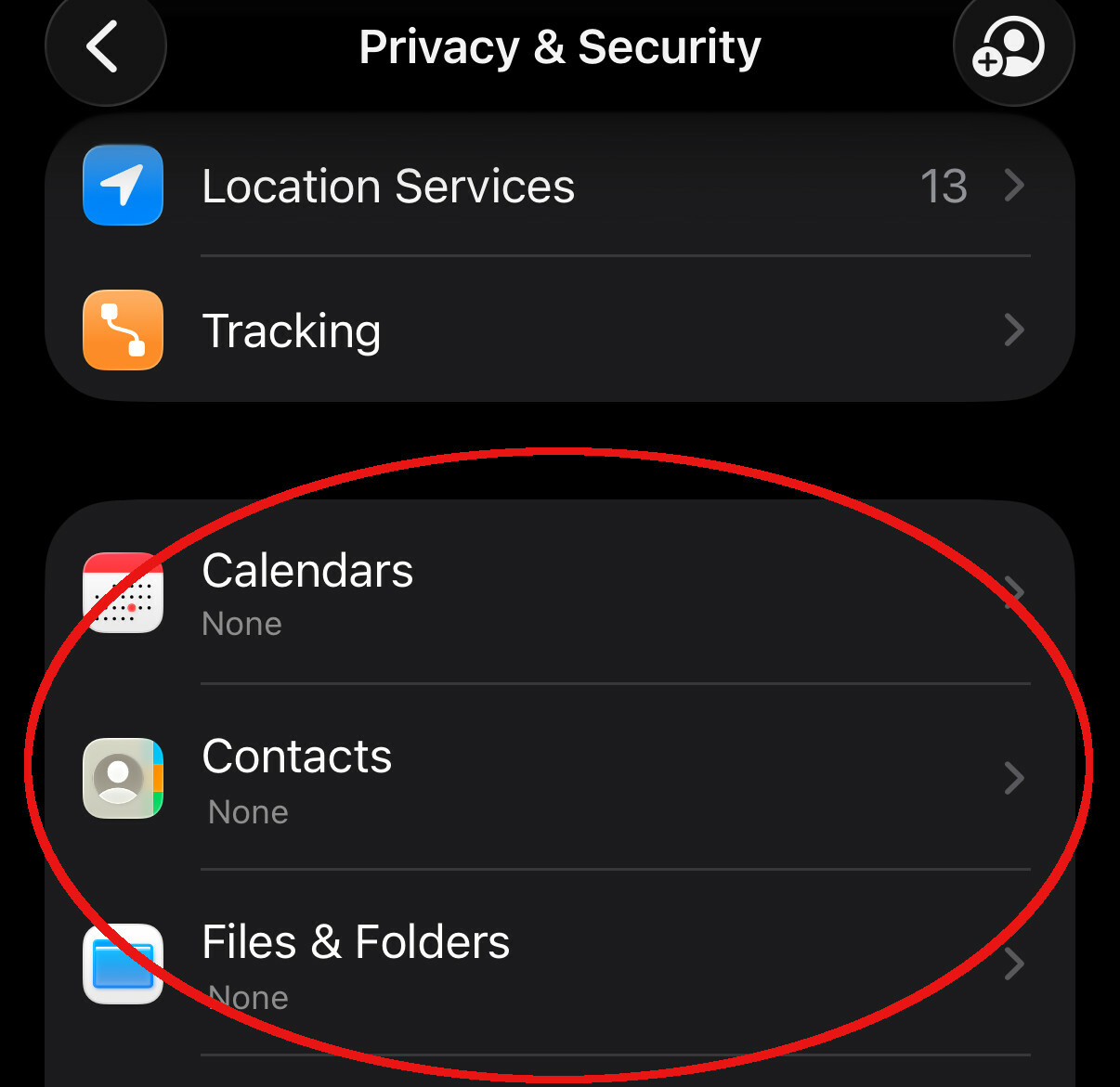
Let's talk about privacy in section that responsible for standard smartphone capabilities, like Calendar, Contacts, Photos, etc. List is much longer. Go to Settings-> Privacy & Security, then scroll past "Tracking" and in next section go into each capability and grant access based on your needs. There are 3 options, None, Limit access(you select items) or Full Access. Avoid giving full access, limit as much as possible. #iphoneprivacy #punkprivacy
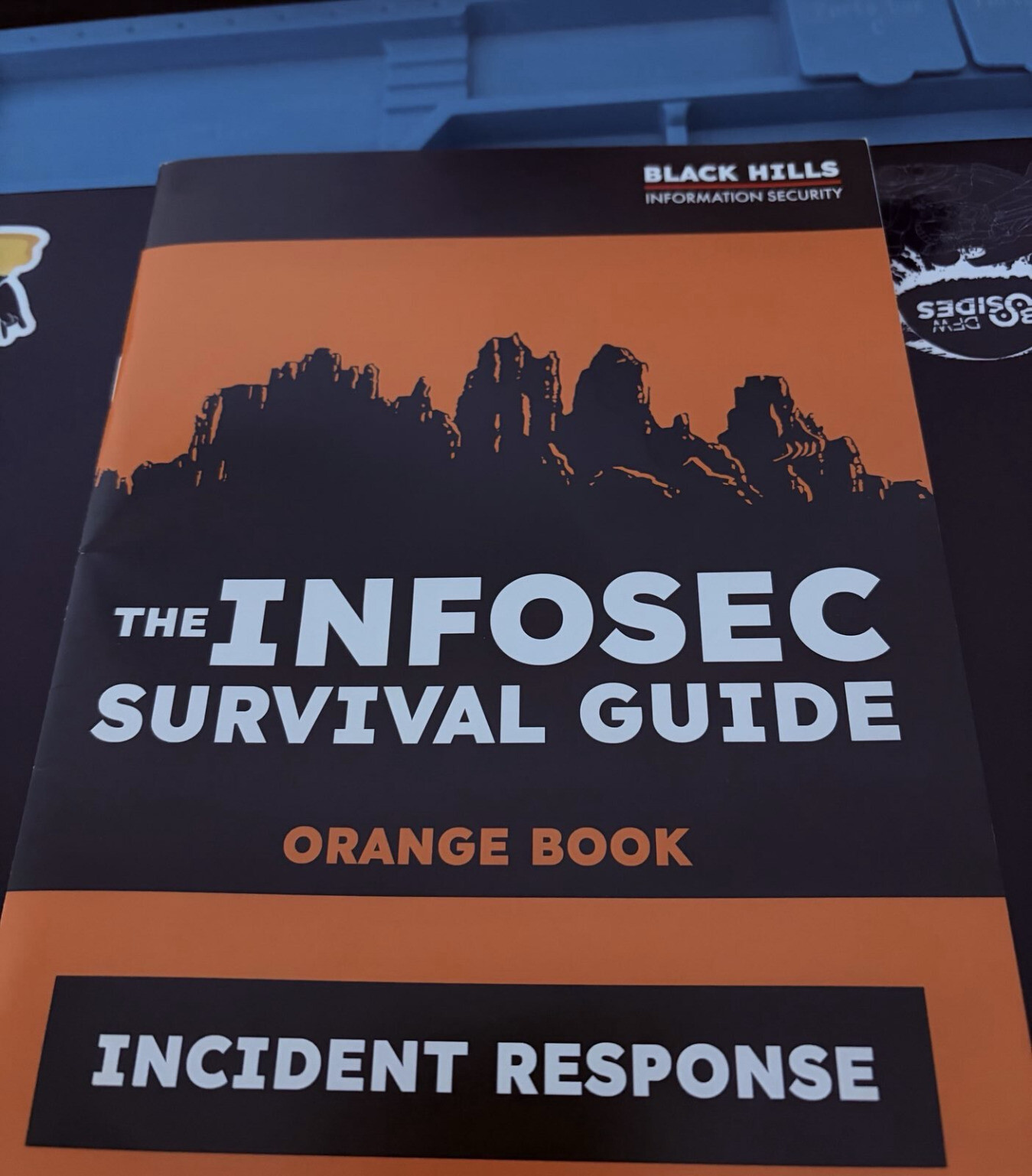
Just in time before icemagedon package from BlackHills arrived with this compact guide. Time to review what's inside with a cup of hot beverage.
- WebSite
- https://sergey.iontec.co/
- GitHub
- https://github.com/sergshk
Admin
Experienced technology entrepreneur on the quest for ethics and privacy. Follow #punkprivacy tag to get regular privacy tips. You can also follow @ethiork account to get information about progress of Ethiork project that enables people to own their data and protect their privacy.
Joined Nov 2020